
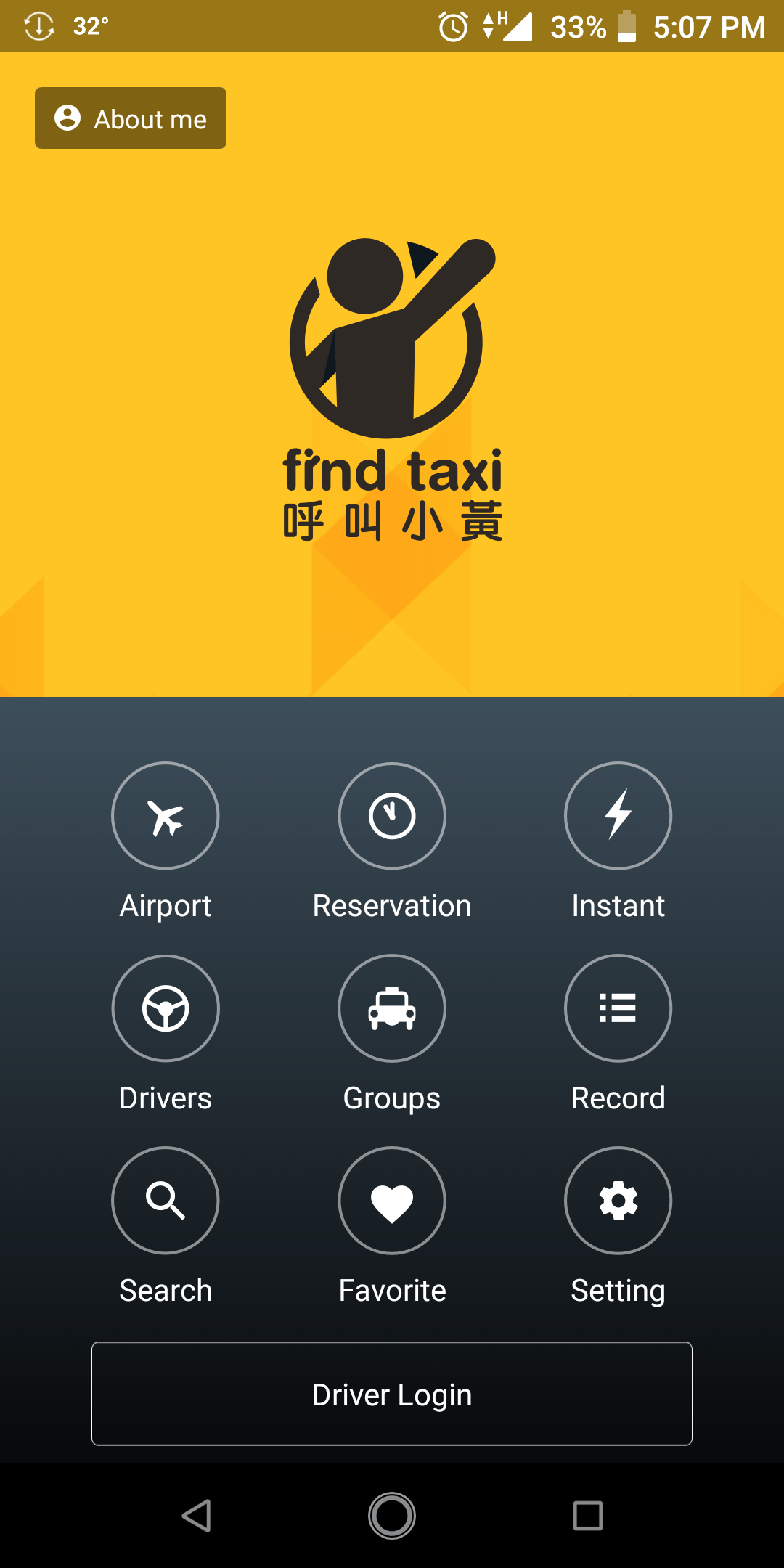
It’s time for the rainy season again and i know it’s hard to travel especially to call a Taxi if it’s raining outside. So I hope that this my first post can help you. This is for those who have never tried using this App or tried but find it harder to use. For tourists planning to visit abroad. And those who are here but do not have a credit card or debit card to pay for UBER taxis. Because there are countries or areas where Uber or Grab does not accept cash. You can pay or use their services by credit card or debit card only. For example here in Taichung City in Taiwan, cash is not available in Uber (I read that only in Taipe, Taiwan, they have the Uber X that you can pay by cash).
In this App, there are two ways you can pay for it. First, you can pay by cash when you get to your destination. Secondly, via Taxi Pay -that’s where you need to link your credit card or debit card (just like Uber or Grab). You do not need to bring cash.
There are also two types of Taxi you may pick. First, the Taxi uses meter. Secondly, the one who don’t have meter. You will know the exact fare by asking the driver. You can call him for free via the App or ask him personally when he arrived to your location. There is also a feature in the App that will estimate how much will be your fare.
Step-by-step I will teach you how to use the App. So, let’s start!
First you have to do is go to the App Playstore of your phone.
Search the “FIND TAXI” App
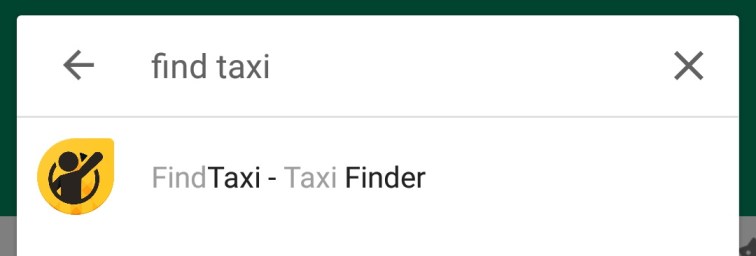
Download and Install.
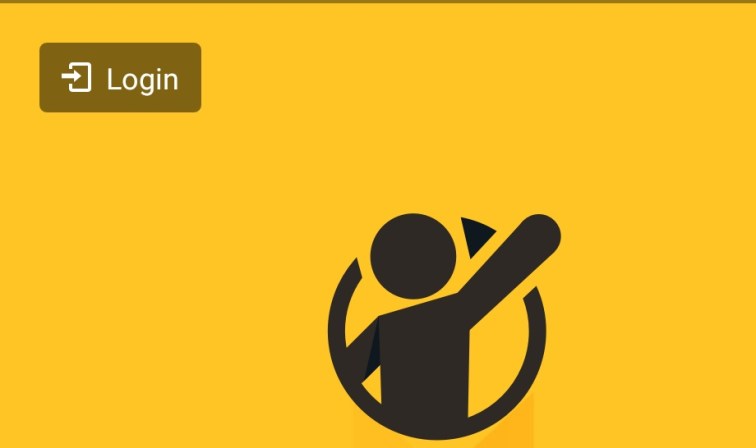
After you downloaded, open the app and press LOGIN.
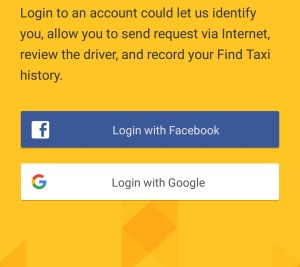
Select the Account you want to use that will be your Profile in App. Example, you prefer to use your Facebook account. Just press Login with Facebook.
Press continue.

And here in this page, you can change the Name you want to see the Driver when you book.
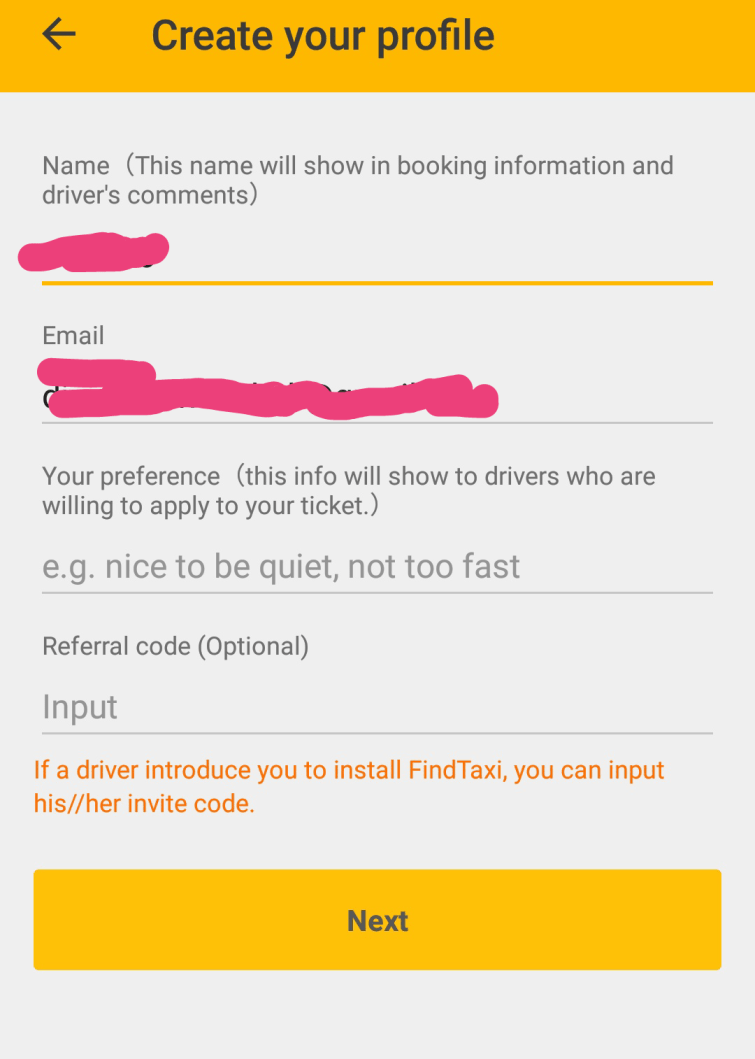
After you change your name, just click Next.
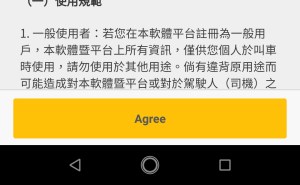
Then the Agree button.
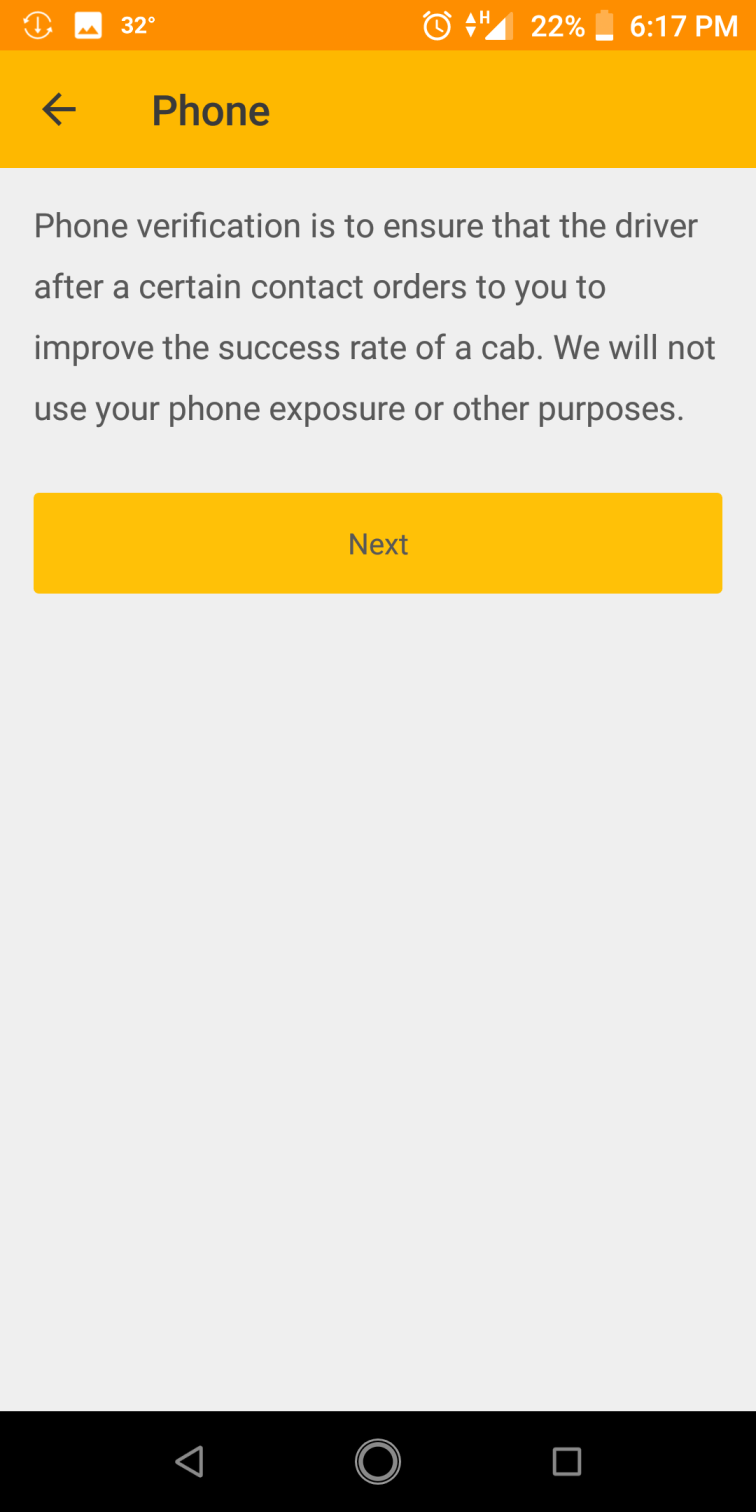
Then in this next step, we need your cellphone number because the confirmation code will be sent there.
Just hit Next.
When it comes out, check if that’s your number. If not, press None of the Above.
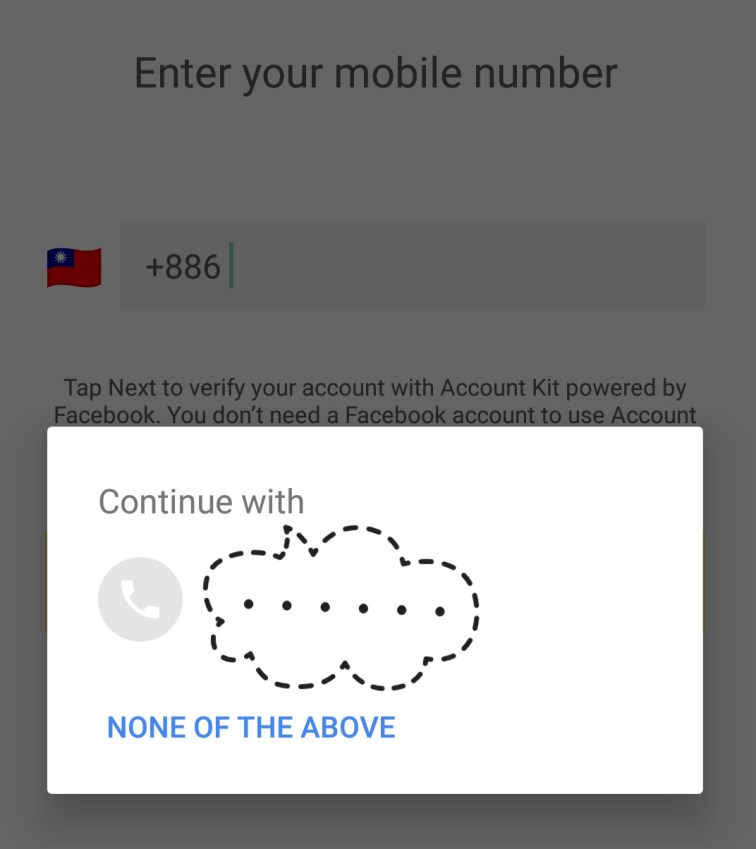
Then, put your cellphone number. And wait for the code.
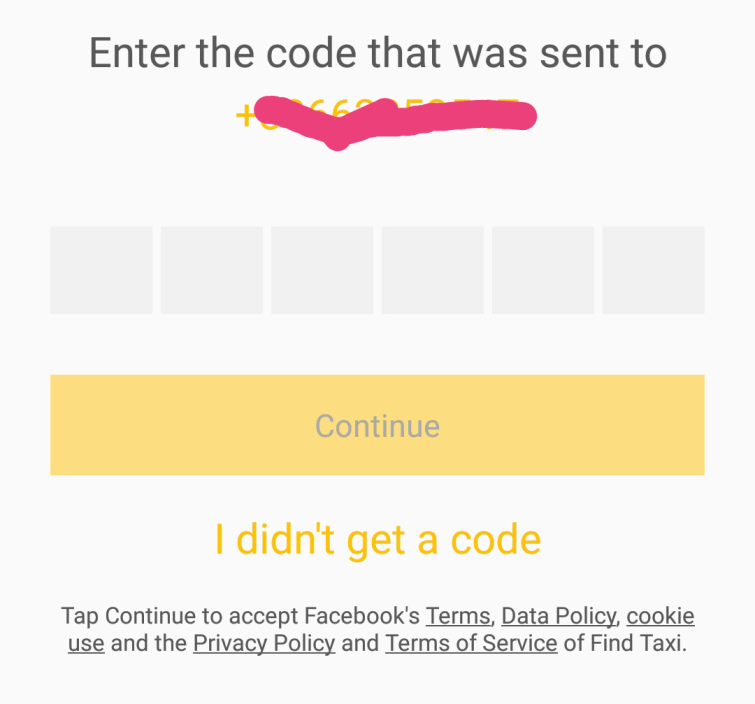
Enter the code then press Continue.
Congratulations! You already have an account with the Find Taxi App.
Now, I’ll teach you how to book.
Just press Instant.
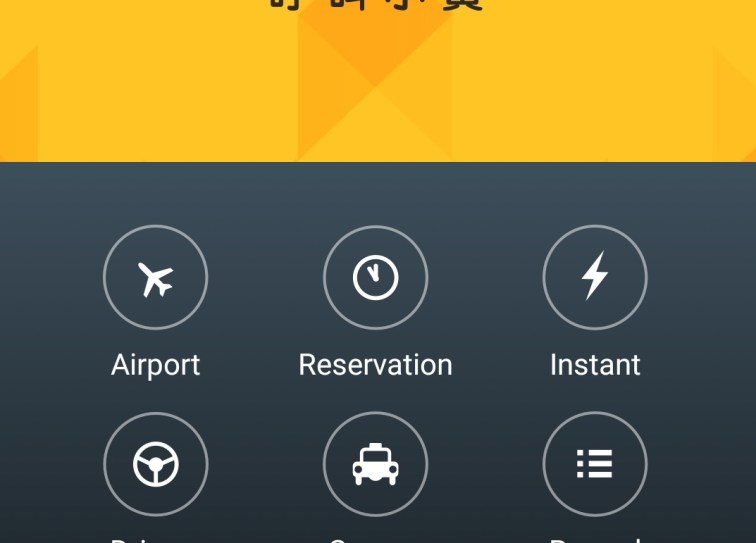
This will appear.
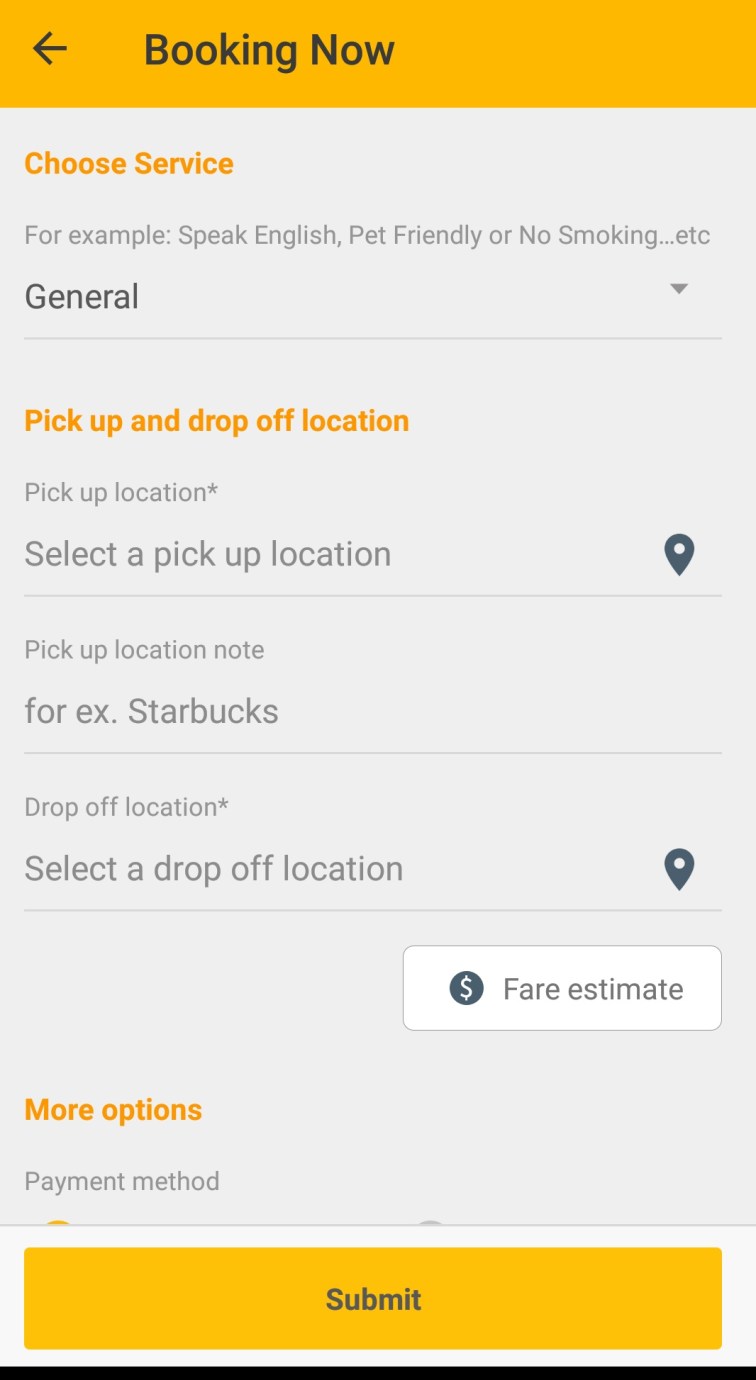
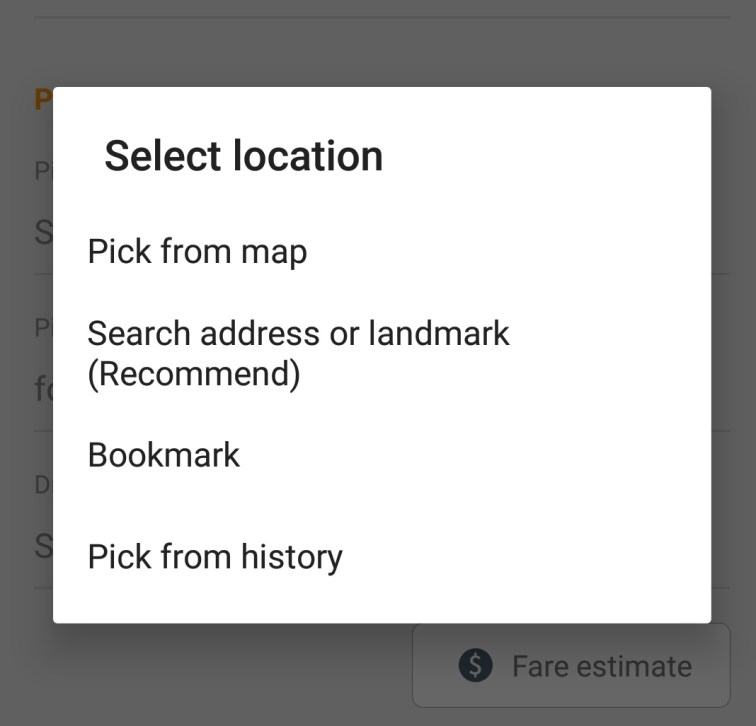
In “Select a pick up location” there you have to input where you exactly want the Taxi driver will pick you up.
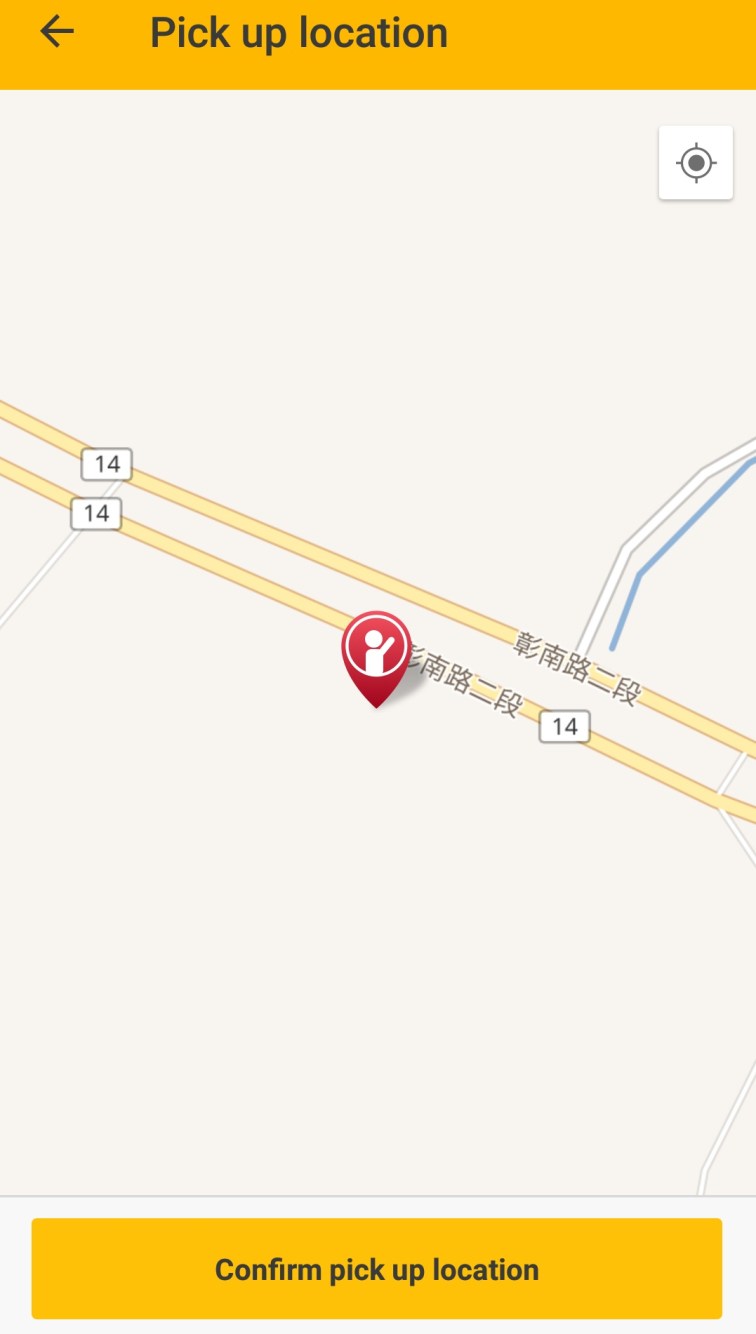
Press and select “Pick from map”
Drag the passenger icon around the map to where you want the Taxi driver pick you up. Then Confirm Pick up Location.
Next, click on “Select a drop off location”
This will be your destination.
Just select “Search Address or Landmark”
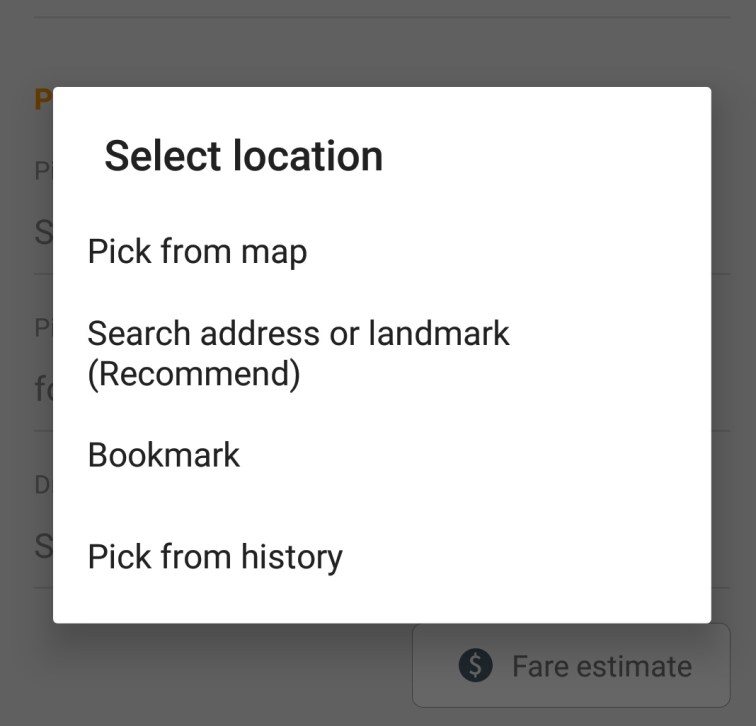
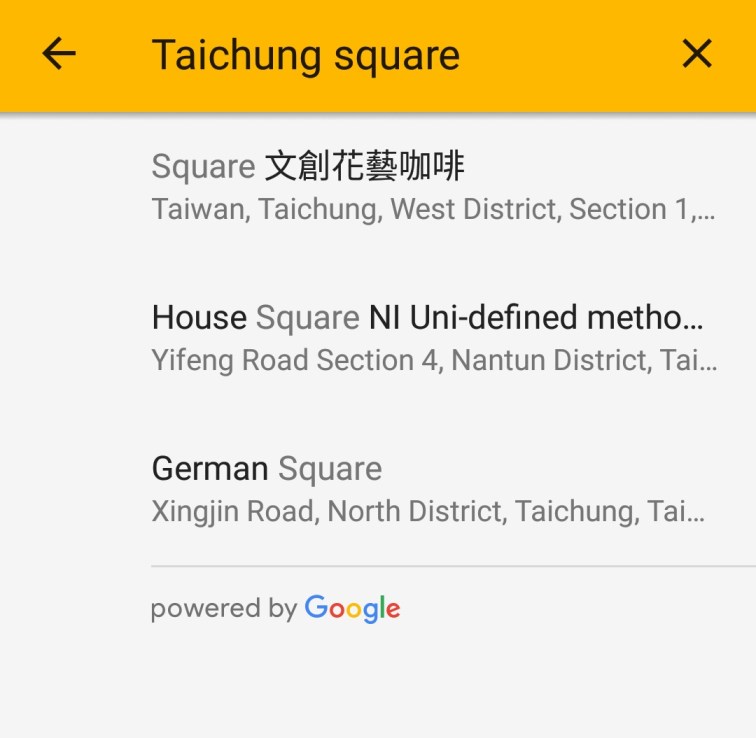
Type the place you are going to. For example you want to go to Taichung Square. Just input “Taichung square” in the search field. Results will come out. Look for the right address and press it.
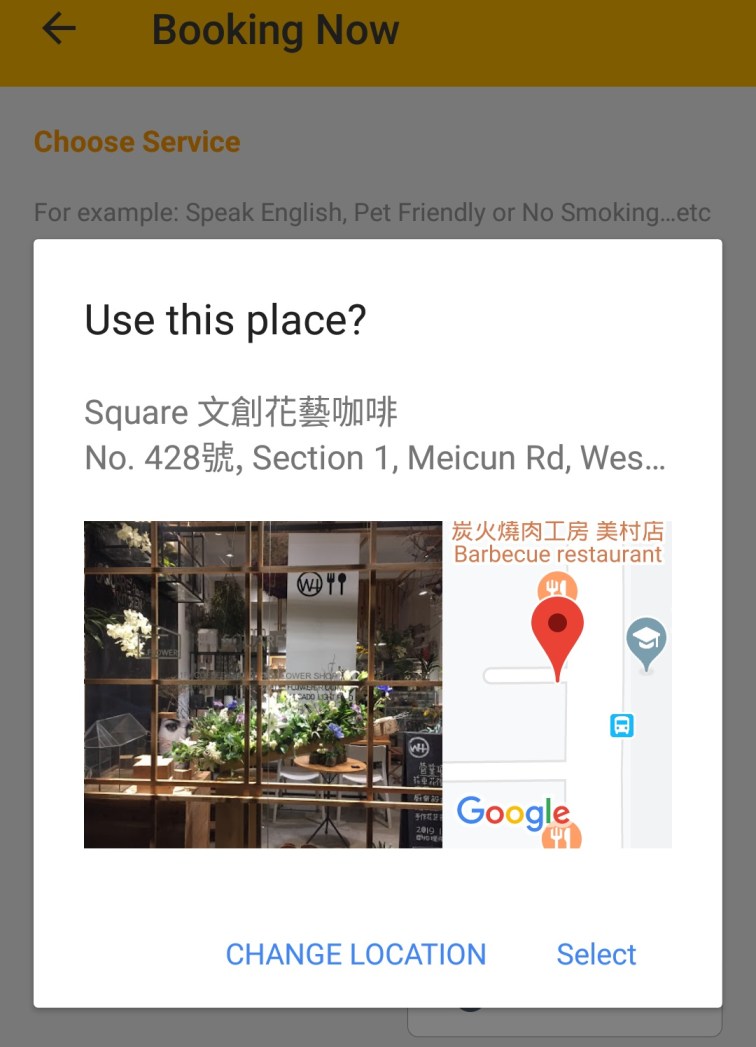
Picture of the place will come out, just confirm if it’s the right place you wanna go.
Then, set how many passengers are you, How will you pay and how far Taxi from your location you want to receive your booking request.
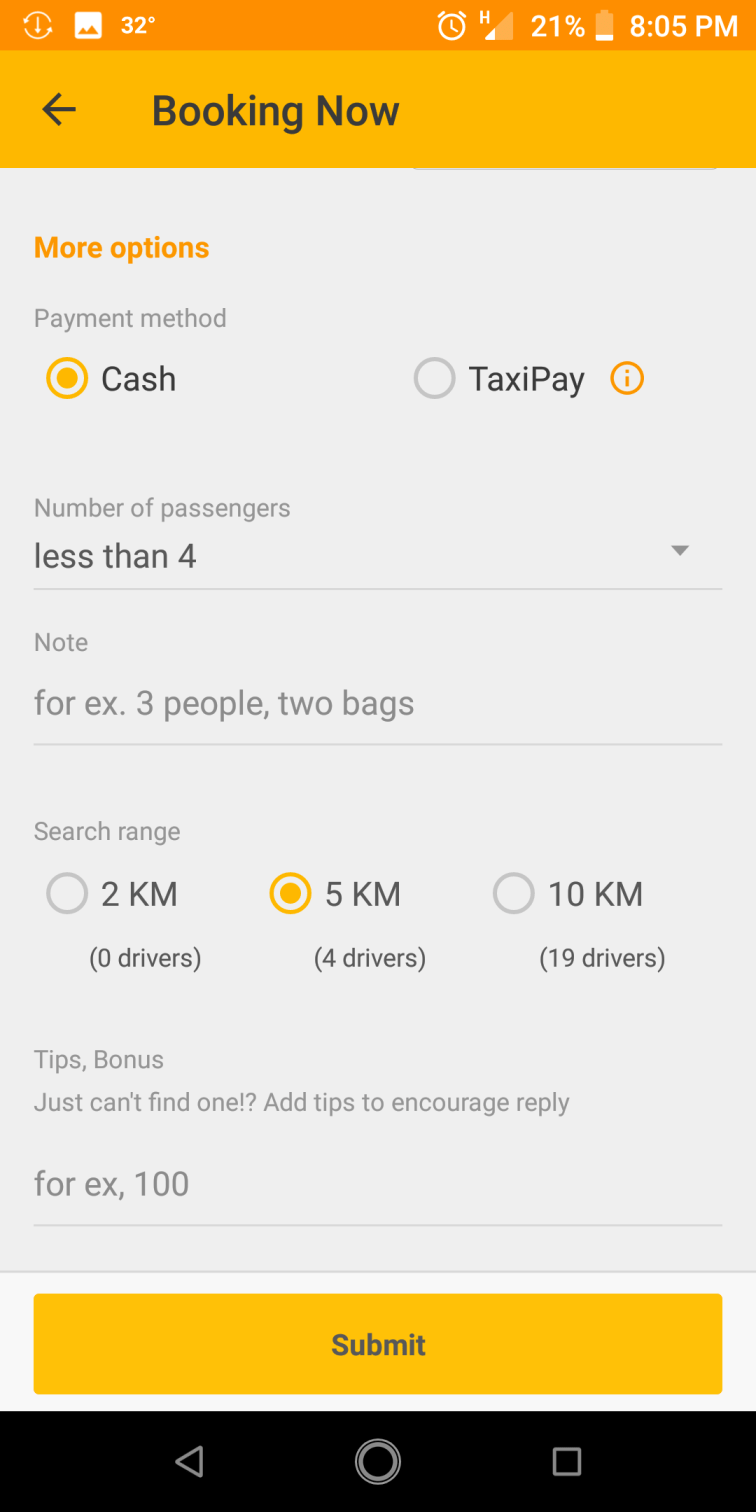
Then press Submit button.
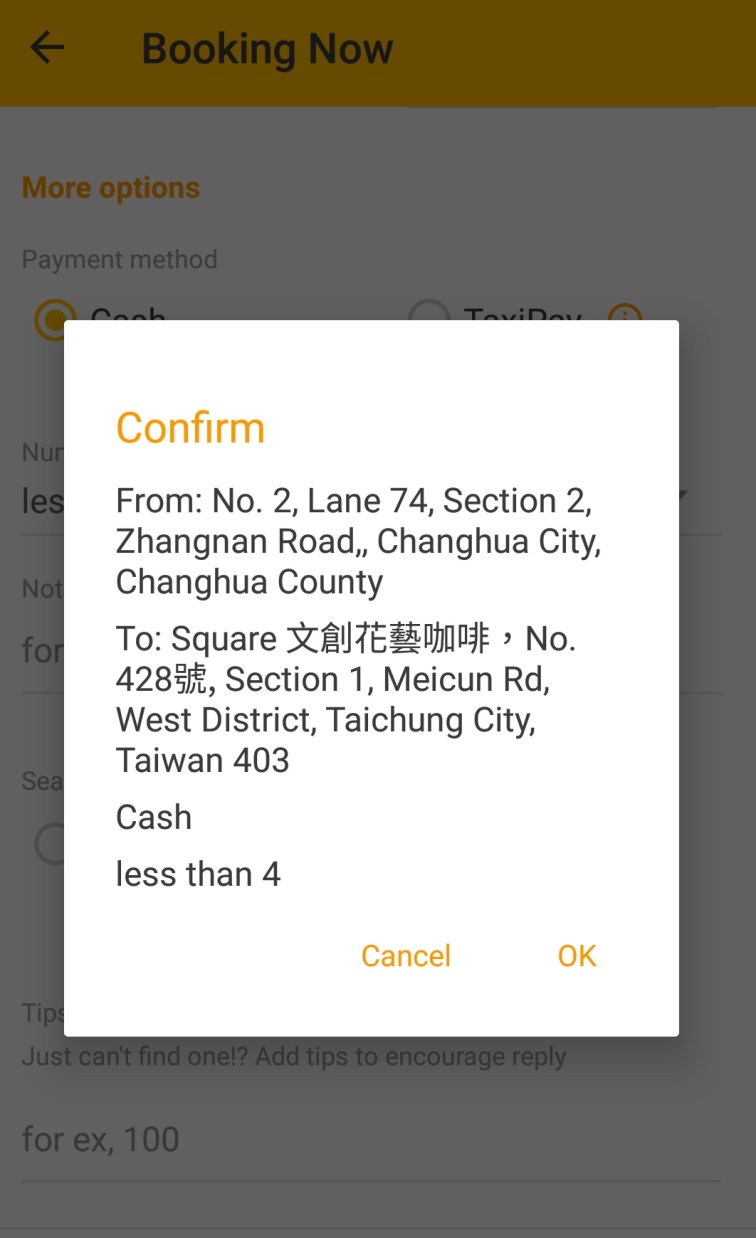
Press Ok.
Booking request will now send to nearby drivers.
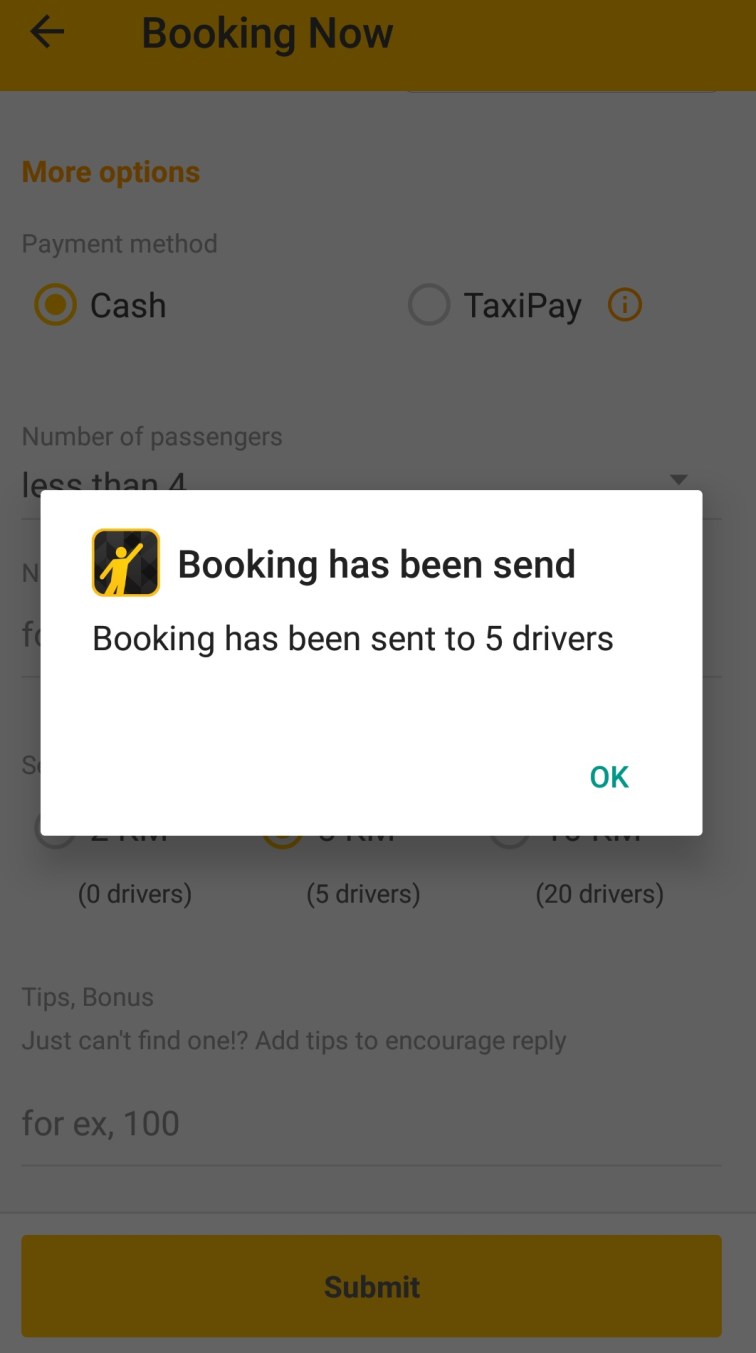
Just press ok.
Now, just wait for drivers to respond to your request.
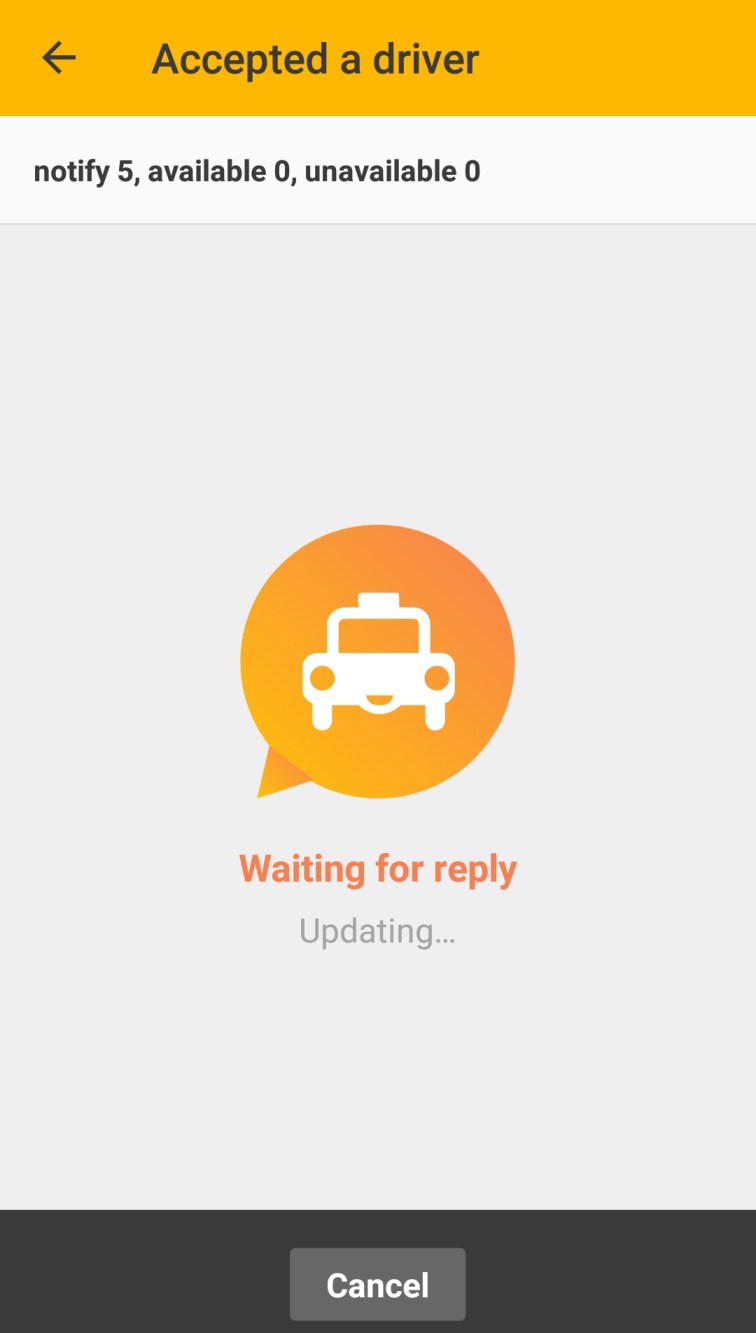
This will appear when a driver accepts your request.
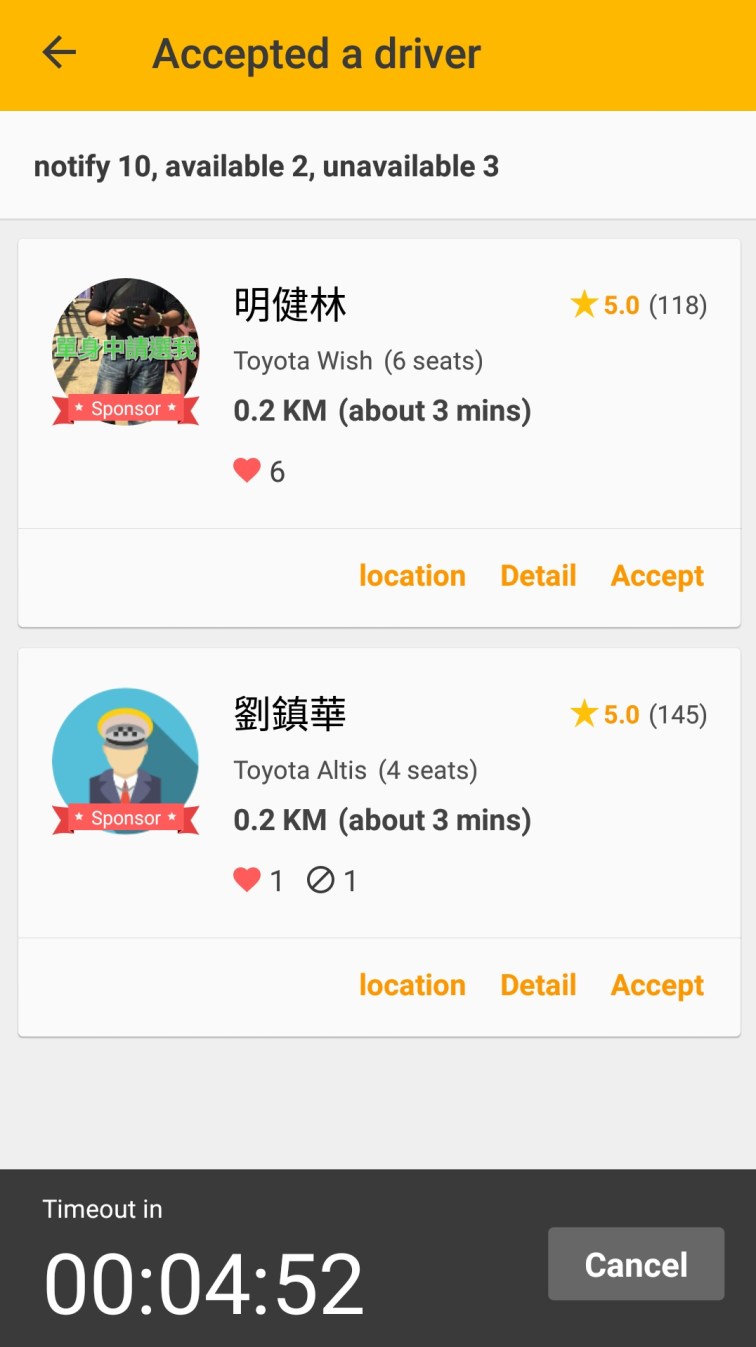
Just choose which of them you want to ride by hitting Accept button.
Congratulations! Your Taxi is on your way.
You can now call or message him via the App for free.
I hope that this tutorial helped you.
Maybe my next tutorial is How to get a Visa Card or Master card while abroad that you can use in Hotel bookings, Flights, Uber rides and also for payment in Lazada, Shoppee or any other Online shopping sites.
Please LIKE, SUBSCRIBE or leave a comment so you can be updated on my next post. Cheers!
 LANZKY'S SUNDAY DIARY.